01 · Time
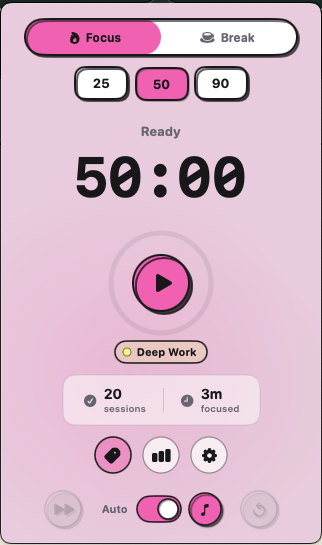
Draw a boundary with Adoro
Choose a session length that fits the task. Fifty minutes is long enough for meaningful work and short enough to make starting believable.
Explore the free Adoro timerA distraction-free setup does not need a complicated productivity system. Give time, atmosphere, and memory one clear job each, then start the block.
One tool per cognitive job. The timer protects the boundary. The radio shapes the room. The note catches interruptions. None of them should become a fourth thing to manage.
These are Ariv Studios tools, so treat the recommendations as first-party. The system matters more than the brands, and each role can be filled by a tool you already trust.
Choose a session length that fits the task. Fifty minutes is long enough for meaningful work and short enough to make starting believable.
Explore the free Adoro timer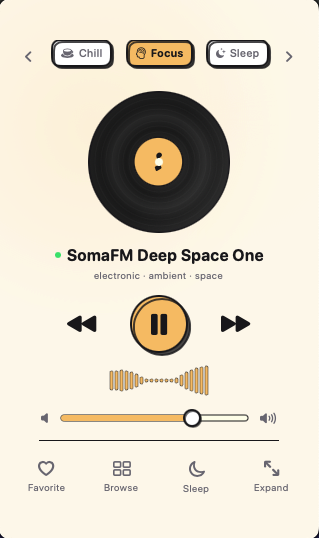
Pick one mood and one working station. Once the sound stops asking for attention, leave it alone and return to the task.
Explore the free AuraFi radio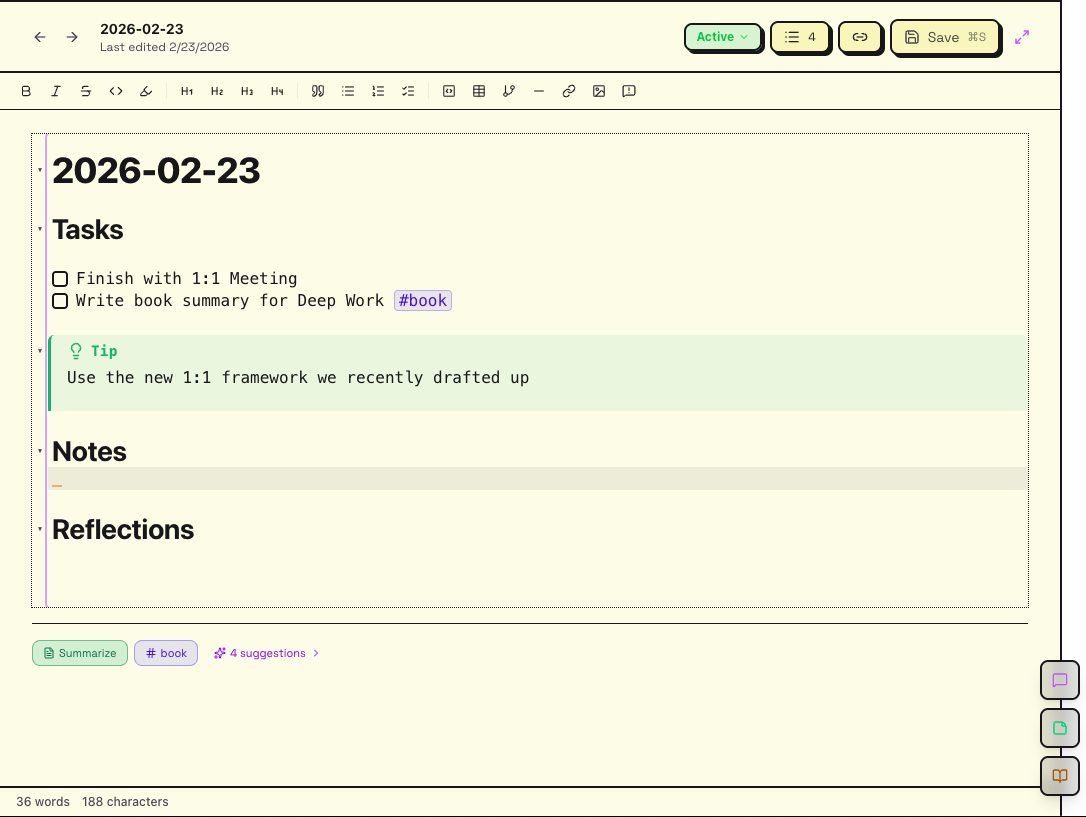
Keep one local note open. When a thought does not belong to the current block, write it under Parking lot and keep moving.
Explore Ariv's local Markdown notesThe setup should take less than three minutes. If preparation becomes a hobby, shrink it.
Write one sentence: “When this block ends, this will exist.” Prefer an observable result over “work on project.”
Pick 25, 50, or 90 minutes. Choose the smallest block that can produce a useful result.
Start one radio mood at a low volume. Do not audition stations after you find one that disappears into the background.
When another task or idea appears, write one line in the parking lot. Return to it after the timer, not during it.
Record what changed, name the next action, and take a real break before deciding whether to begin another block.
Paste this into any Markdown app. Keep the checklist short enough that you will actually use it.
# Focus session

## Outcome
- [ ] When this block ends, this will exist:

## Setup
- [ ] Choose one timer length
- [ ] Start one background station
- [ ] Close unrelated tabs and apps

## Parking lot
-

## Close
- [ ] Record what changed
- [ ] Name the next action
- [ ] Take a real breakThe stack is serving the work only while it removes choices. These are the first things to simplify.
Shorten the block or hide the countdown. The boundary should make the task feel finite, not turn every minute into a performance.
Use a familiar station, lower the volume, or switch to nature sounds. Stop searching for the perfect soundtrack.
Review it after the session. Delete noise, turn only real commitments into tasks, and leave useful context in the note.
AuraFi handles the background. Ariv keeps the notes, tasks, and loose ends local when the block is over.